PayNow API Integration Guide (2026): Everything Developers & Businesses Need to Know
- 1 PayNow API Integration Guide (2026): Everything Developers & Businesses Need to Know
- 1.1 What Is PayNow API Integration and How to Accept PayNow on Your Website
- 1.2 PayNow QR Code Integration for Singapore Businesses: Static vs Dynamic Codes
- 1.3 PayNow Payment Gateway Singapore: Where PayNow Fits Into Your Checkout Stack
- 1.4 PayNow API Documentation Guide for Singapore Developers: What to Build
- 1.5 How to Add PayNow to Shopify and WooCommerce
- 1.6 Popular PayNow Integration Routes: HitPay, 2C2P, and PayNow Corporate
- 1.7 PayNow for eCommerce and Mobile App Integration in Singapore
- 1.8 Secure PayNow Integration: Best Practices for 2026
- 1.9 PayNow Reconciliation Software: Keeping Your Books Accurate
- 1.10 PayNow API Integration Cost in Singapore: What to Budget
- 1.11 Inno Panda PayNow API Integration Services in Singapore
- 1.12 Frequently Asked Questions About PayNow API Integration
- 1.13 Ready to Let Customers Pay the Way They Actually Prefer?
Ask any Singapore shopper how they'd rather pay, and PayNow comes up almost as often as cards. If your website or app can't accept it yet, you're leaving a genuinely preferred payment method on the table. This guide walks Singapore SMEs and developers through exactly how PayNow API integration works with your business UEN, which route fits your business, and what to watch out for before you go live.
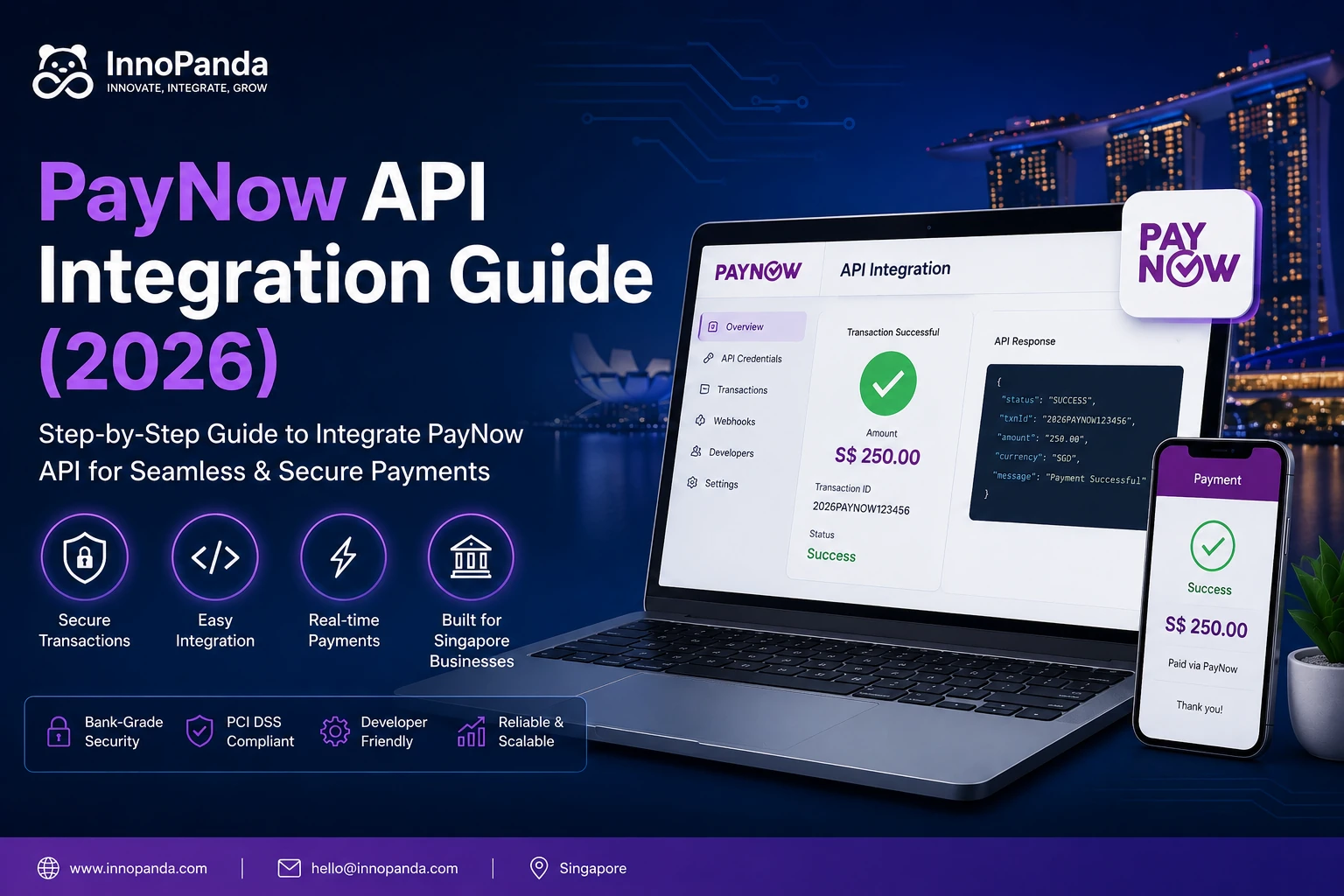
What Is PayNow API Integration and How to Accept PayNow on Your Website
PayNow API integration means connecting your website, app, or checkout system directly to Singapore's PayNow payment rail, so customers can pay by scanning a QR code or transferring funds instantly, without ever leaving your site.
Unlike a card payment, which passes through a card network and a processor, PayNow moves money straight from the customer's bank to yours using their mobile number, NRIC, or UEN as the address. That's part of why it's so popular here — it's fast, it doesn't charge the customer anything, and most Singaporeans already have it set up on their banking app.
Figuring out how to accept PayNow on your website really comes down to three routes: a static QR code you display manually, a dynamic QR generated per transaction, or a full API integration that talks to your bank or a gateway provider directly. Which one makes sense depends on how much volume you're processing and whether you need everything to update automatically. If your website's checkout flow is already built, adding PayNow is usually a smaller job than people expect.
PayNow QR Code Integration for Singapore Businesses: Static vs Dynamic Codes
Most businesses start here, and it's worth understanding the difference before choosing one. A static QR code is generated once and stays the same forever — great for a small stall or invoice, but customers have to type in the amount themselves, which opens the door to mistakes.
A dynamic QR code, by contrast, is generated fresh for every transaction with the exact amount already built in. The customer scans, confirms, and pays — no typing, no room for error. For any website checkout, a dynamic setup is the only one worth building, since it's the version that actually confirms payment automatically on your end.
PayNow Payment Gateway Singapore: Where PayNow Fits Into Your Checkout Stack
PayNow on its own isn't a full payment gateway — it's a bank transfer rail. To use it on a website, it usually needs to sit inside a broader payment gateway setup alongside cards and wallets, so customers can choose whichever method they trust. Most Singapore-focused gateways bundle PayNow in as one option among several rather than as a standalone product, and that's genuinely the better approach for conversion, since not every customer wants to pay the same way.
PayNow API Documentation Guide for Singapore Developers: What to Build
If your team is building a custom integration rather than using a plugin, here's what actually shows up in the documentation and what it's for. Most Singapore banks tie the API to your business's UEN (Unique Entity Number), so your developer will need that on hand before requesting API credentials.
How to Add PayNow to Shopify and WooCommerce
If you're on a standard eCommerce platform, you likely won't need to touch the raw API at all. Here's how each platform typically handles it.
Add PayNow to Shopify
Shopify doesn't support PayNow natively, so it needs to come in through a payment app like HitPay or 2C2P installed from the Shopify App Store. Once connected, PayNow shows up as a payment option at checkout alongside your existing methods, with no code changes needed on your end.
Add PayNow to WooCommerce
WooCommerce works similarly through a dedicated plugin, most commonly from HitPay or a local payment aggregator. Install it, connect your business bank details, and PayNow appears in your checkout within minutes. This is one of the simplest routes if your site is already on managed WordPress hosting, since the plugin ecosystem does most of the heavy lifting.
Popular PayNow Integration Routes: HitPay, 2C2P, and PayNow Corporate
Once you're past the plugin stage, the real decision is which provider actually processes the PayNow transaction behind the scenes. Here's how the three most common routes compare.
HitPay PayNow Integration
HitPay is built specifically for Singapore and Southeast Asia, bundling PayNow with cards and GrabPay in one dashboard. It's the fastest route for local SMEs since setup is largely plug-and-play, with minimal developer time required.
2C2P PayNow Setup
2C2P is the stronger fit for larger or regional businesses, offering PayNow alongside a wider range of Southeast Asian payment methods. It takes a bit more setup time but scales better for higher transaction volumes.
PayNow Corporate Integration Singapore
This is the direct route — registering PayNow Corporate through your business bank account and integrating against the bank's own API, without a third-party gateway sitting in between. DBS, OCBC, and UOB all offer PayNow Corporate to businesses with a registered UEN, though the exact API documentation and onboarding process differs slightly by bank. It's usually the lowest-cost option long term, but it demands more development work upfront and less flexibility if you want to add other payment methods later.
| Route | Best For | Setup Speed | Ongoing Cost |
|---|---|---|---|
| HitPay | SMEs, F&B, retail | Fast (plugin-based) | Small per-transaction fee |
| 2C2P | Regional/enterprise businesses | Medium | Varies by volume |
| PayNow Corporate (direct) | Businesses wanting lowest fees long term | Slower (custom build) | Minimal, bank-dependent |
PayNow for eCommerce and Mobile App Integration in Singapore
PayNow for eCommerce Singapore
Adding PayNow to an online store tends to reduce cart abandonment, since it removes the friction of entering card details on mobile. Paired with a properly optimised eCommerce checkout build, it's one of the easiest conversion wins available to a Singapore store right now.
PayNow Mobile App Integration
For apps, PayNow usually gets integrated through an SDK or by generating a dynamic QR code that the user's banking app scans directly from the screen. It's worth testing this thoroughly across both iOS and Android, since QR rendering and app-switching behaviour can differ between platforms — something a mobile app development team will typically catch during testing.
Secure PayNow Integration: Best Practices for 2026
Because PayNow moves money directly between banks, security here is less about encrypting card numbers and more about making sure your system only confirms an order once the payment has genuinely cleared.
PayNow Reconciliation Software: Keeping Your Books Accurate
This is the part people underestimate. Without automated matching, someone on your team ends up manually cross-checking bank statements against orders — which doesn't scale past a handful of transactions a day. PayNow reconciliation software matches incoming payments to the right order automatically using the reference number, flags anything that doesn't match, and feeds clean data into your accounting system. If you're processing more than a few PayNow payments daily, this stops being optional fairly quickly.
PayNow API Integration Cost in Singapore: What to Budget
Costs vary quite a bit depending on which route you take, so here's a realistic breakdown.
| Integration Type | Typical One-Time Cost (SGD) | Ongoing Fees |
|---|---|---|
| Plugin-based (Shopify/WooCommerce) | SGD 200 – 600 | Small per-transaction fee via gateway |
| Gateway integration (HitPay/2C2P) | SGD 500 – 1,500 | ~1% – 2% per transaction |
| Custom API (PayNow Corporate direct) | SGD 1,500 – 4,000 | Minimal, bank-dependent |
| Mobile app SDK integration | SGD 2,000 – 4,500 | Varies by provider |
Inno Panda PayNow API Integration Services in Singapore
Inno Panda helps Singapore businesses add PayNow to their websites, stores, and apps the right way — properly tested, properly reconciled, and built to actually reduce checkout friction rather than just tick a box. Whether that's a quick eCommerce plugin setup or a full custom API build against PayNow Corporate, our team scopes the right route for your volume and budget rather than defaulting to the most expensive option. Once payments are sorted, most of our clients ask us to look at their SEO next, since a smooth checkout only helps once customers can actually find you.
Frequently Asked Questions About PayNow API Integration
The questions Singapore business owners actually ask before adding PayNow.
Is PayNow free to use for businesses?
PayNow Corporate transactions are usually free or very low cost when received directly through your bank, unlike card payments which carry a percentage fee. If you route PayNow through a gateway like HitPay or 2C2P, that provider may charge a small fee for bundling it with other payment methods and reconciliation tools.
Can I use PayNow without a business account?
You can technically receive PayNow through a personal account, but it's not recommended commercially. PayNow Personal has lower limits and no proper reconciliation, and it can create accounting headaches. Registering for PayNow Corporate is the correct route for any real business.
How long does PayNow integration take?
A basic QR setup through your bank can be ready within days. A gateway integration like HitPay typically takes about a week including testing. A custom API build directly against a bank's PayNow API usually takes 2 to 4 weeks depending on your team's familiarity with the documentation.
Is PayNow safe for online payments?
Yes. PayNow moves money directly between bank accounts through Singapore's national payment infrastructure, regulated by the Monetary Authority of Singapore. As long as your integration verifies payments correctly through webhooks rather than trusting the customer's browser, it's one of the more secure methods available.
Which Singapore banks support PayNow Corporate?
DBS, OCBC, and UOB are the three major Singapore banks offering PayNow Corporate for businesses, alongside several other local banks under MAS's FAST payment scheme. Each bank has its own onboarding process and API documentation, so it's worth checking directly with your business banking relationship manager before development starts.
Can PayNow be refunded?
PayNow doesn't have an automated refund button the way card payments do. Refunds are typically processed as a separate manual transfer back to the customer, or through your gateway's refund tool if you're using HitPay or 2C2P. It's worth documenting a clear refund process before launch.
Ready to Let Customers Pay the Way They Actually Prefer?
Inno Panda builds secure, properly tested PayNow integrations for Singapore businesses — QR codes, gateway setups, and custom API builds — so your checkout matches how your customers already bank. Explore what else our digital marketing and development team can take off your plate.